Skip to content

New Just launched: cPanel AI Website Hosting

Your AI, plugged straight into your hosting

Link your account in cPanel, add the connection to your AI tool, sign in and just ask.

From R99 a month, VAT included
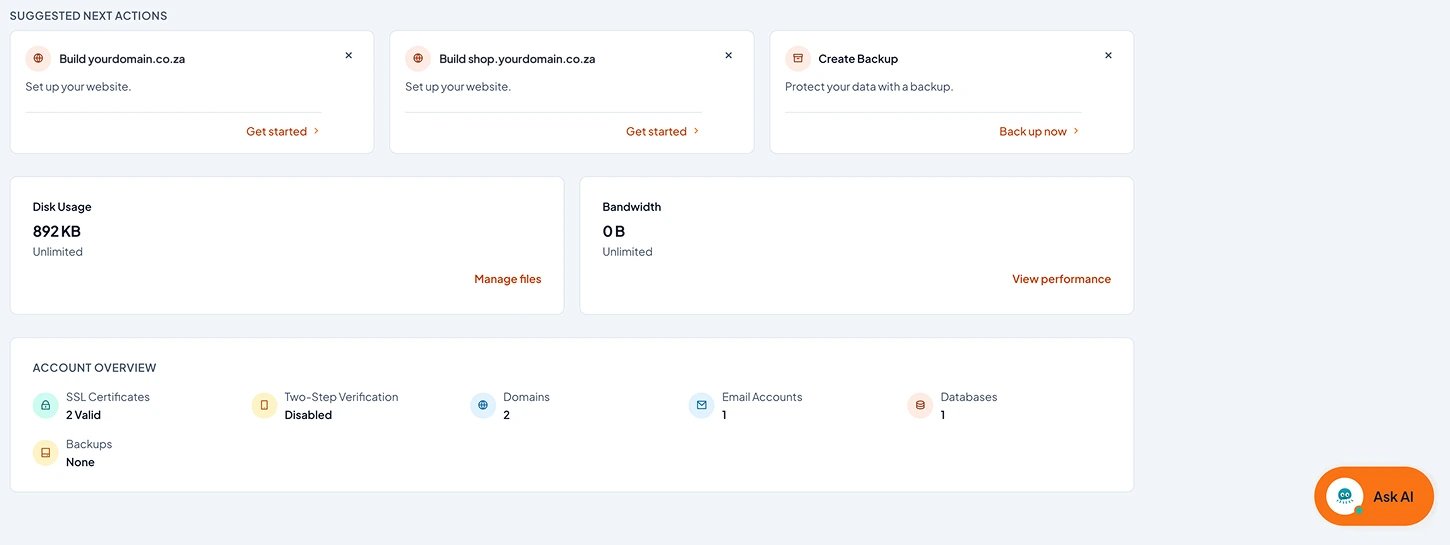
The cPanel dashboard with the Ask AI button

Connect your AI tool

  1. Open Connections in your cPanel profile menu and link your account
  2. Copy the Connection configuration into your AI tool
  3. Sign in when your browser opens

Example conversation

  1. YouWhere do I upload my website?
  2. Your AIInto the public_html folder in your cPanel account. I can upload the files for you, or deploy them from your Git repository. Which do you prefer?
  3. YouHow can I get my website to work?
  4. Your AIYour domain needs to point to our servers, and its A record still points somewhere else. I can show you the exact record to change where you registered the domain.
  5. YouHow do I connect my emails to Outlook?
  6. Your AIAdd the account in Outlook with your full email address. Incoming (IMAP) and outgoing (SMTP) mail both use mail.yourdomain.co.za. I can give you the full settings from cPanel.
  7. YouSet up a mailbox for accounts@ on my domain
  8. Your AIDone. The accounts@ mailbox is set up on your domain. Do you want it forwarded to your personal email as well?
  9. YouIs my SSL certificate working?
  10. Your AIYes. Your certificate covers yourdomain.co.za and www.yourdomain.co.za, and cPanel renews it automatically.
  11. YouWhy are my emails going to spam?
  12. Your AIYour SPF and DKIM records are in place, but there is no DMARC record. Do you want me to add one?
  13. YouCan you back up my website?
  14. Your AIDone. A full backup of your files and databases is ready in cPanel under Backup.
  15. YouMy contact form stopped sending emails
  16. Your AIThe error log shows the form cannot sign in to your mail server, because the password in the form settings is out of date. Do you want me to show you where to change it?
  • Your account onlyThe connection only opens your own cPanel account
  • Servers in South AfricaYour website and email run on our own servers in South Africa
  • The new cPanelYour account opens in the new cPanel design, with the AI Assistant built in
  • Your choiceConnecting an AI tool is optional, and you can unlink it in cPanel whenever you like
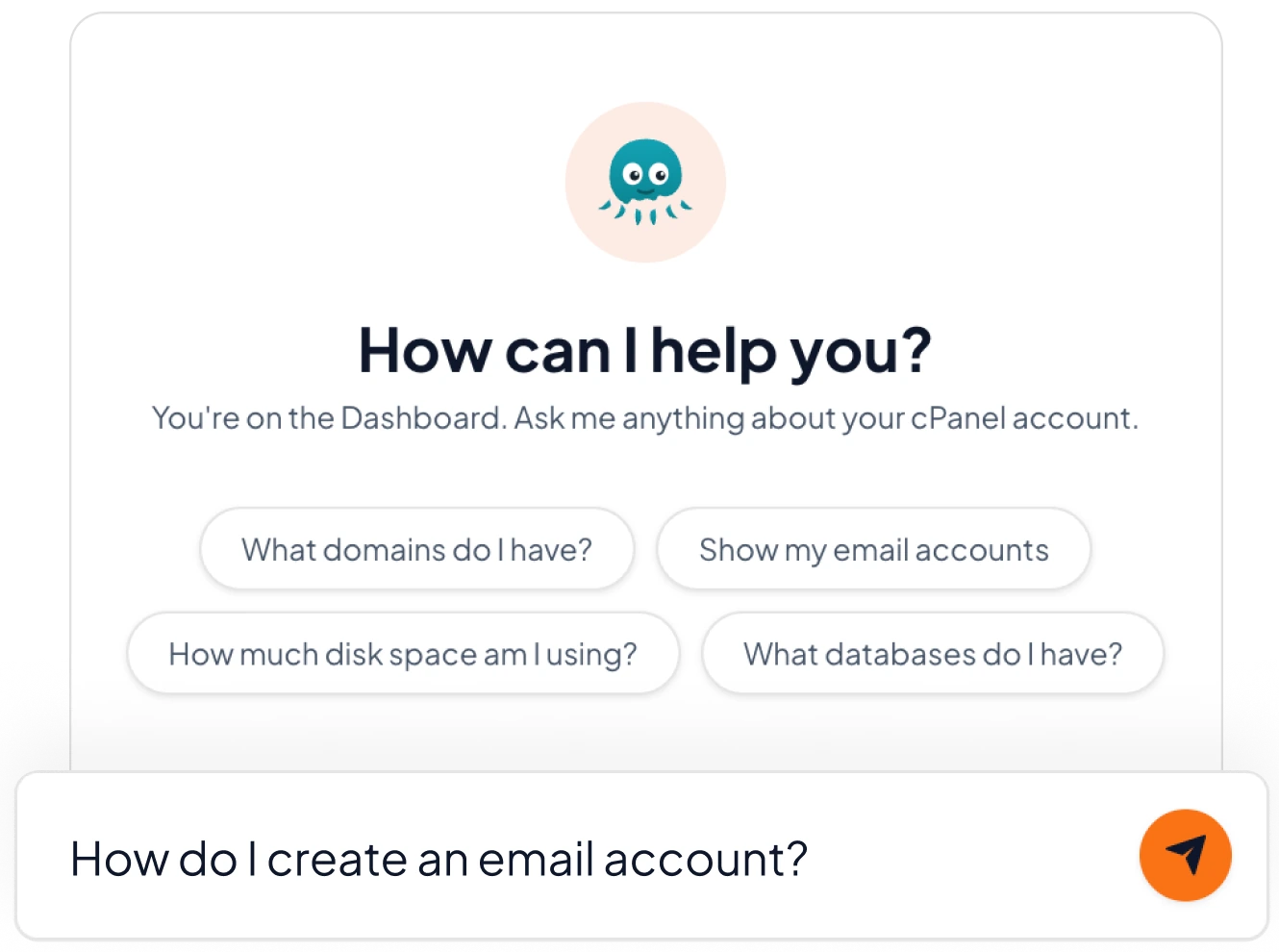
The cPanel AI Assistant with a question typed: How do I create an email account?

An AI Assistant inside your cPanel, from day one

Ask the Assistant how to do things in cPanel. It is part of your plan, so you can use it before you connect an AI tool of your own.

  • Answers about your own domains, mailboxes, disk space and databases
  • Open it from the Ask AI button in cPanel
  • No extra sign-up

Connect your own AI tool, then ask in plain words

"Deploy the latest version of my site from my Git repository"

Your AI can pull the new code into your account, without you opening a file manager.

Git version control

"Create info@ and forward it to my personal email"

Email

"Point the shop subdomain to my new app"

DNS

"Why does my contact page show an error?"

Error logs

"How much space am I using, and what is taking it up?"

Disk usage

Example requests. What your AI can do depends on the tool you connect and the cPanel features on your plan.

One secure sign-in between your AI and your hosting

  1. Your AI tool An AI tool that supports MCP, such as Claude Code
  2. Secure sign-in MCP connection Linked in your cPanel
  3. Your hosting Your cPanel account on our servers in South Africa
  1. Order a plan. Your account opens in the new cPanel.
  2. Link your account. In cPanel, open your profile menu, choose Connections and link your cPanel account to a free online account.
  3. Connect your AI tool. Copy the Connection configuration into your AI tool, sign in when your browser opens, then ask.

Connecting an AI tool is optional. Any fees charged by your AI provider are separate from your hosting and are paid by you.

Pick the space you need

Just launched

AI 5 GB

R99 a month

or R1 089 a year

  • 5 GB super fast SSD
  • AI connection (MCP)
  • cPanel AI Assistant
  • 25 mailboxes
  • 1 GB RAM and Node.js apps
Order AI 5 GB

Just launched

AI 10 GB

R139 a month

or R1 529 a year

  • 10 GB super fast SSD
  • AI connection (MCP)
  • cPanel AI Assistant
  • Unlimited mailboxes
  • 2 GB RAM and Node.js apps
Order AI 10 GB

Just launched

AI 20 GB

R159 a month

or R1 749 a year

  • 20 GB super fast SSD
  • AI connection (MCP)
  • cPanel AI Assistant
  • Unlimited mailboxes
  • 2 GB RAM and Node.js apps
Order AI 20 GB

Just launched

AI 50 GB

R179 a month

or R1 969 a year

  • 50 GB super fast SSD
  • AI connection (MCP)
  • cPanel AI Assistant
  • Unlimited mailboxes
  • 2 GB RAM and Node.js apps
Order AI 50 GB

Prices include VAT. A year costs the same as 11 months.

Put your AI tool to work on your website

Pick a plan, link your account and ask your first question.

See the plans

Support - Open a Support Ticket. WhatsApp us for enquiries or urgent matters.

Frequently Asked

Questions before you connect

Quick, honest answers to the questions we hear most often. Still need help? Get in touch.

What is MCP?

MCP (Model Context Protocol) is the open standard AI tools use to connect to other software. Here it lets your AI tool use the cPanel tools in your own hosting account.

Which AI tools work?

Claude Code is the tool cPanel's own guide covers. Other AI tools that support MCP with a browser sign-in may work too. Check your tool's own guide for the exact steps.

Do I pay extra to use AI with my hosting?

The AI features in cPanel are included with your hosting. To connect your own AI tool, you link your cPanel account to a free online account. The AI tool itself is a separate service. Any subscription or usage fees it charges are between you and that provider, and are not included in your Trinico Cloud hosting fee.

Can my AI see anyone else's hosting?

No. The connection opens your own cPanel account only, and you can unlink it in cPanel whenever you like.

Do I still get normal cPanel hosting?

Yes. Everything works the way cPanel hosting always has. The AI connection is an extra way in, and you can use it as much or as little as you like.


Loading